Logging in
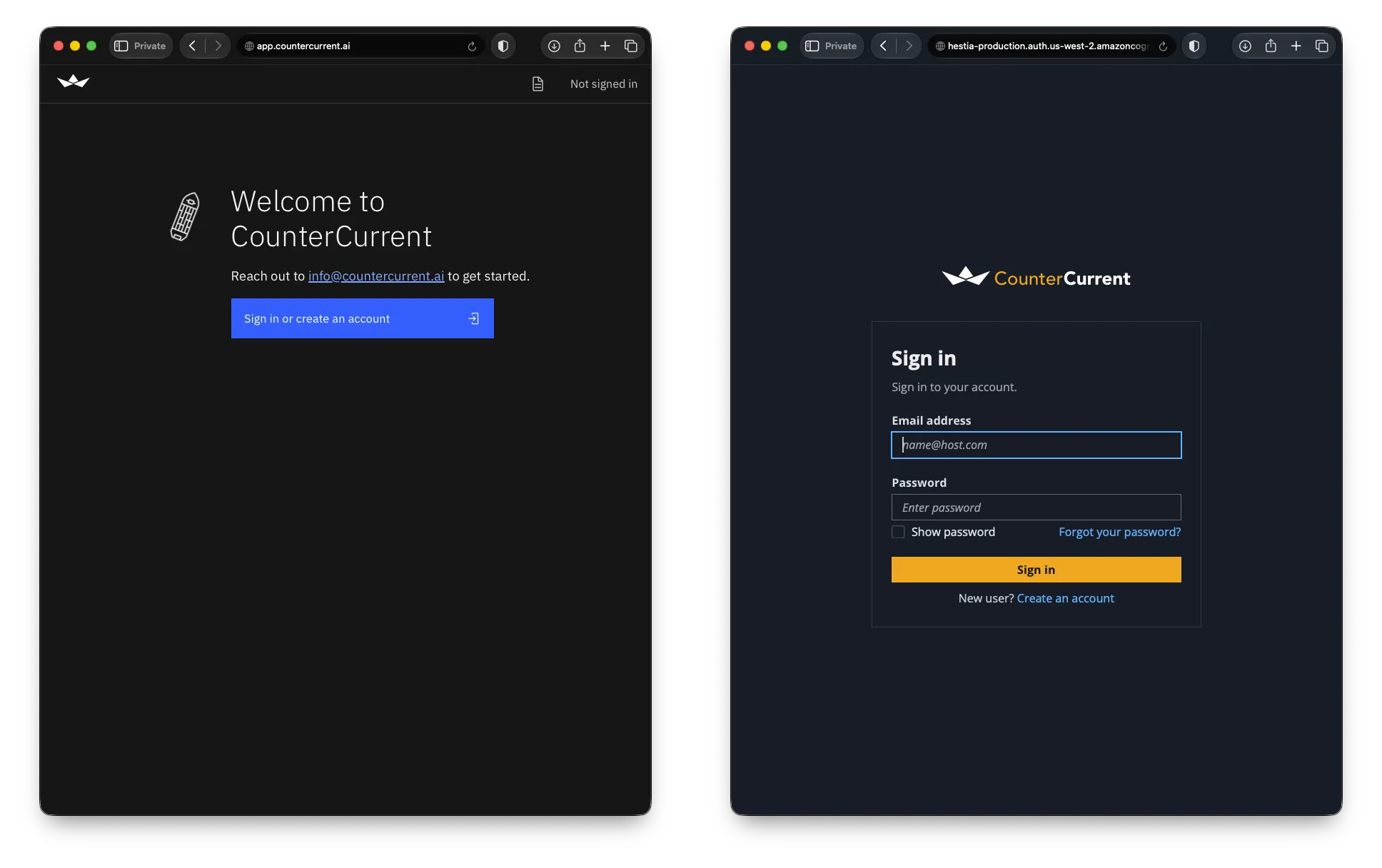
When you visit https://app.countercurrent.ai, you’ll be asked to sign in with your email address and password.
Once you’re logged in, we’ll take you straight to the latest forecast for your ship. From there you can view your recommended route, switch to the sensor dashboard, or upload a voyage plan.
Getting around
Section titled “Getting around”When you’re logged in, every CounterCurrent page has two elements to help you find your way:
- On the top edge, you’ll find a page title (potentially including ship name and forecast time), as well as a logout button.
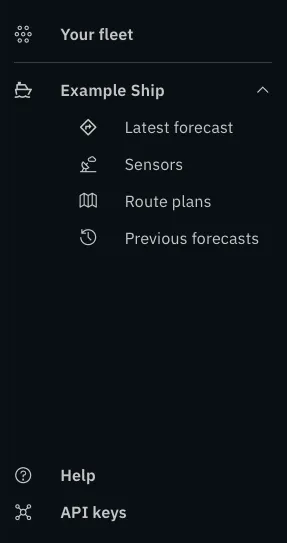
- On the left edge, you’ll find a navigation rail with links to the pages you have access to. You can also access this help site from there. Hover over the rail or touch an empty part of it to expand the links: